
Experiments and runs
Comparing models on the same work with a cost cap, reading a run step by step, replaying it, and exporting a replication package.
An experiment runs one workflow, with several models (its arms), over several papers or tasks, and lays the results out as a table. Everything is held the same except the thing being compared.
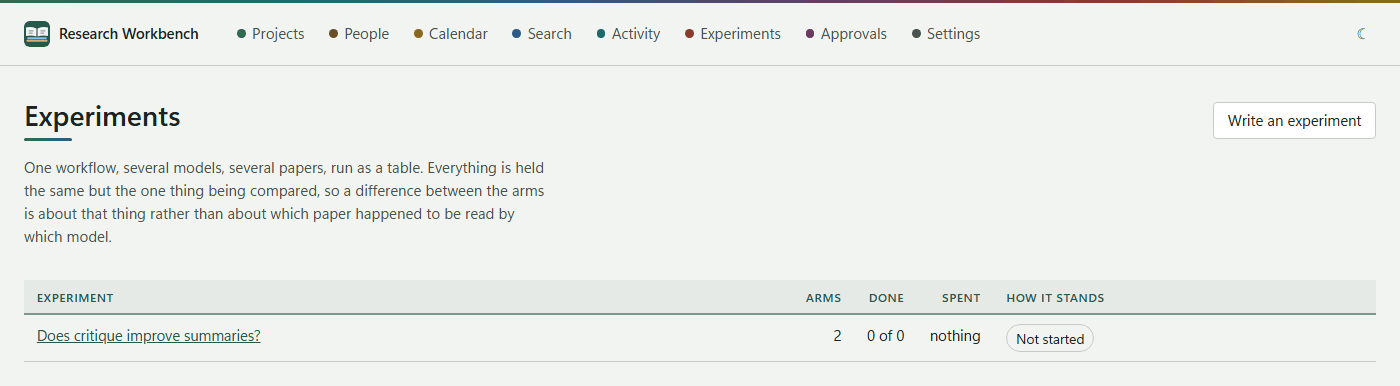
Writing an experiment
Press Write an experiment and fill in:
- Project, What it is called and What you expect to find (your hypothesis).
- Workflow: the summarise-and-critique loop, or write-code.
- What it may spend, at most: the cost cap, 0.50 by default. It is checked before each run.
- The arms: each has a name (such as baseline), a Model and Why it is here. Code experiments also choose a language and, optionally, a repository's framework files to work by. Press Add another arm for more. You need at least two arms.
- Tick the papers (only documents whose text has been read are offered) or write the tasks.
- Press Save it as a draft. Nothing is spent yet.
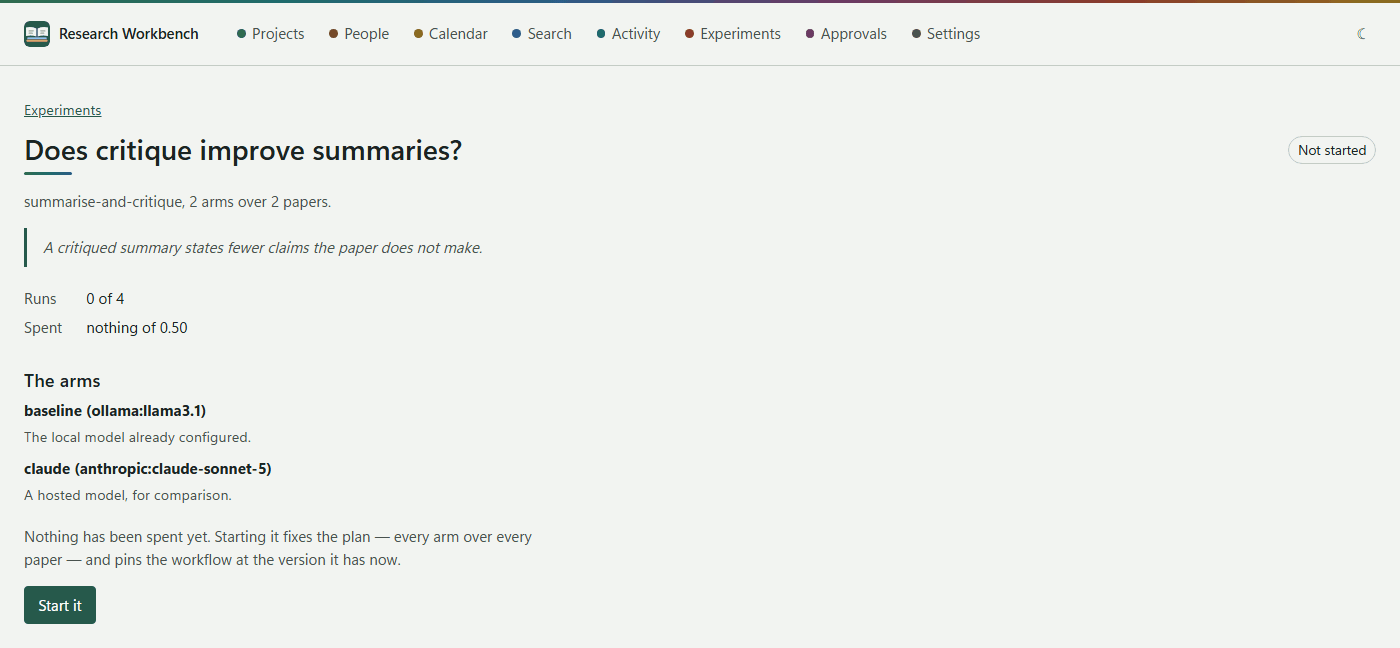
Running it
- Start it fixes the plan and pins the workflow at its current version.
- Run the next one runs one run; Keep going to the end runs them all, one at a time; Stop stops after the current run.
- If the cap is reached, enter a higher total under It has spent what it was given and press Carry on. The new cap is recorded.
The table has a row per paper or task and a column per arm. Each cell links to its run. Code experiments add How each arm did: how many passed, how many on the first attempt, the attempts it took, and the cost.
Taking it away
Under Take it away, an experiment can be exported as a replication package (JSON and CSV, with a manifest of hashes):
- Export what it did: the design, versions and measures, without prompts or answers. This is safe to publish.
- Export what was said as well: adds the prompts and answers.
Runs
Activity → Runs lists the last 100 runs: the workflow, steps, cost, how each ended, and when it started. Open one to read it:
- Steps: each step, its model, cost and time, and what came of it.
- What it wrote, pass by pass, and Attempts for code.
- The blackboard: every value the run produced. Values are never overwritten.
- What bounded it: steps, cost and time against their limits.
Put it again (replay)
A run can be replayed, using the same workflow and prompt versions:
- From the evidence: free and instant. This tests whether the orchestration is the same twice.
- Ask the same models again: tests whether they still answer as they did.
- Try this model instead: the same work, with another model.
The replay is a new run that points back to the original. It says whether it came out exactly as it did before or differently, and compares the cost.