
Paper settings
A paper's title and summary, deadlines, length limit, citation style, statistics and footer.
Paper settings, on a paper's page or on its row, opens a drawer.
About
The Title and a Summary (what the paper is about, in your own words), and a line saying its kind and how it is written.
Deadlines
The paper's deadlines, with Add a deadline. They show under the paper's title, on the start page and in the calendar. See Deadlines and the calendar.
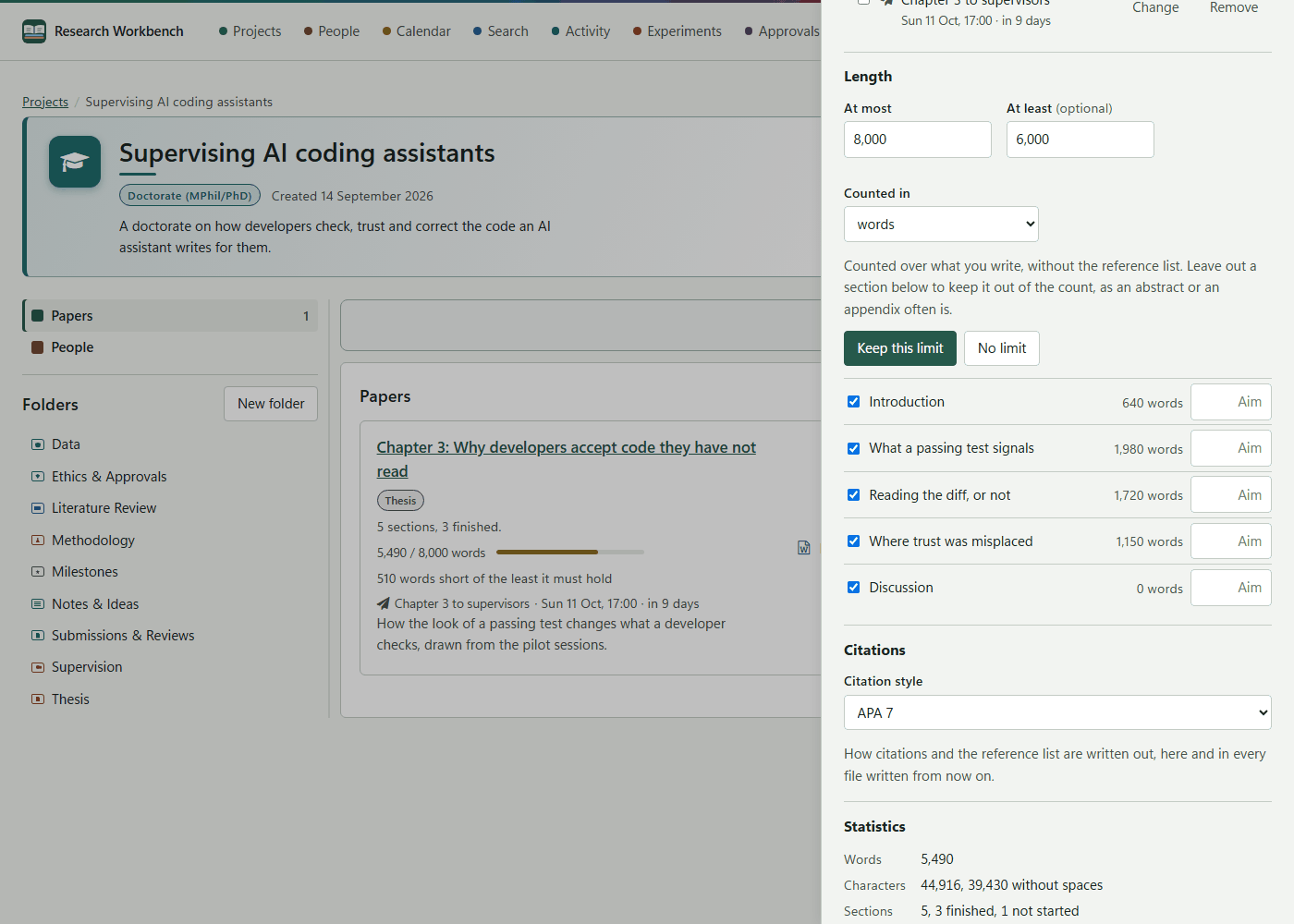
Length
- At most, At least (optional), and Counted in: words, characters, or characters without spaces.
- The count covers what you write, without the reference list.
- In the list of sections, untick a section to leave it out of the count, as an abstract or an appendix often is. Give a section an Aim to set its own target.
- Press Keep this limit, or No limit.
The meter on the paper turns to near at 90%, and the header says how much is left, or how far over the paper is.
Citations
Citation style: APA 7, Harvard (Cite Them Right), IEEE or Chicago author–date. It applies here and in every file written from now on. Sealed versions keep theirs.
Statistics
- Words, characters, sections (finished and not started), citations, figures.
- Roughly how many pages (at 500 words a page) and how long it takes to read.
- Pace: with a limit and a deadline, About 310 words a day to reach 8,000 by 16 October.
- A bar for each sealed version, showing how its length changed.
Written out as Word or PDF
Footer on every page: this paper's own footer, with the page number on the right. Left empty, the paper uses your footer from Settings → Writing. If that is empty too, the footer says which paper and version the page comes from.